
Connect
Approve or reject hours
Who this is for: Admin
Admin
Tap Admin → Approvals. Hours waiting for approval are listed with the volunteer, activity and time.
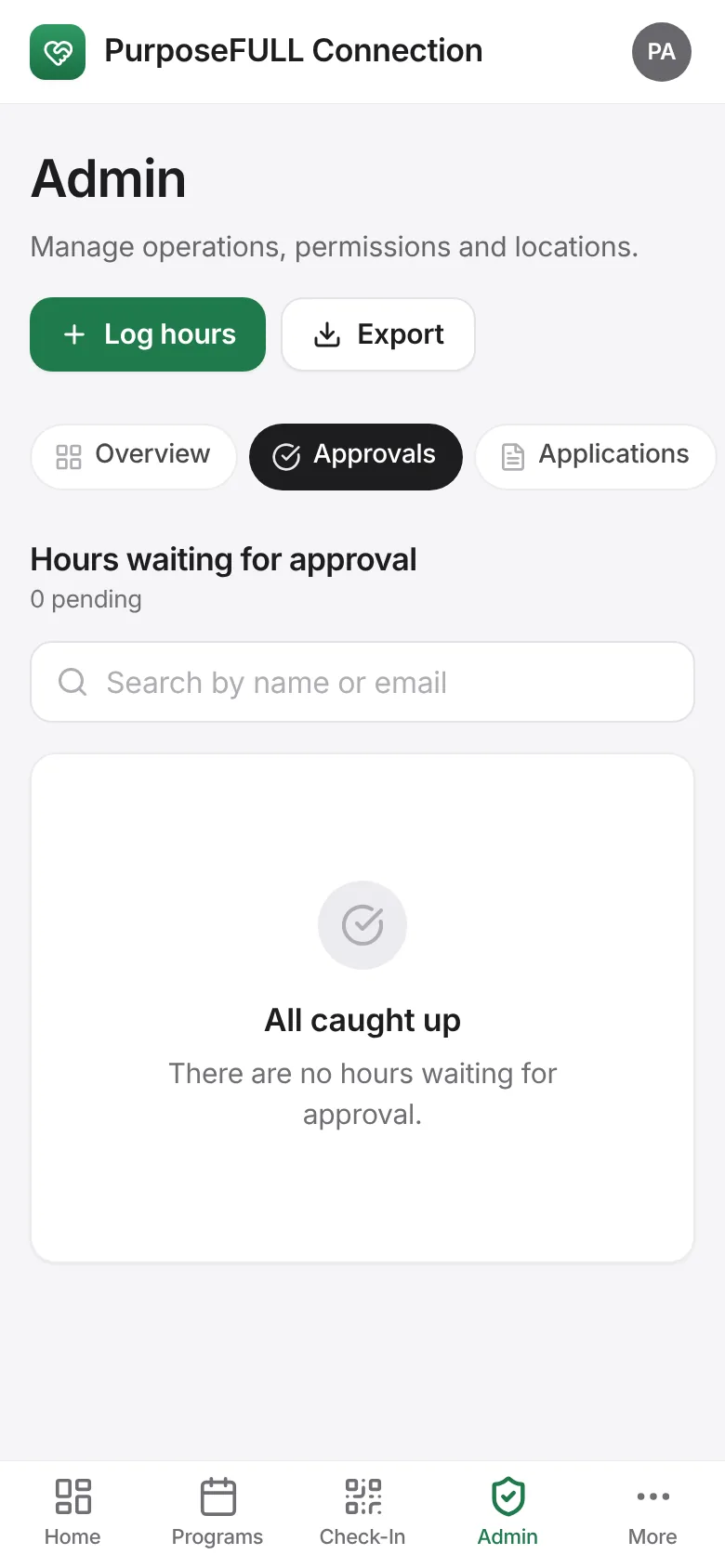
Tap Approve or Reject on each entry. Approved hours show in the volunteer’s history, analytics and reports.